Key points
- The EPG is the grid of what's on now and next
- Xtream logins usually load it automatically
- Wrong times are almost always a time zone setting
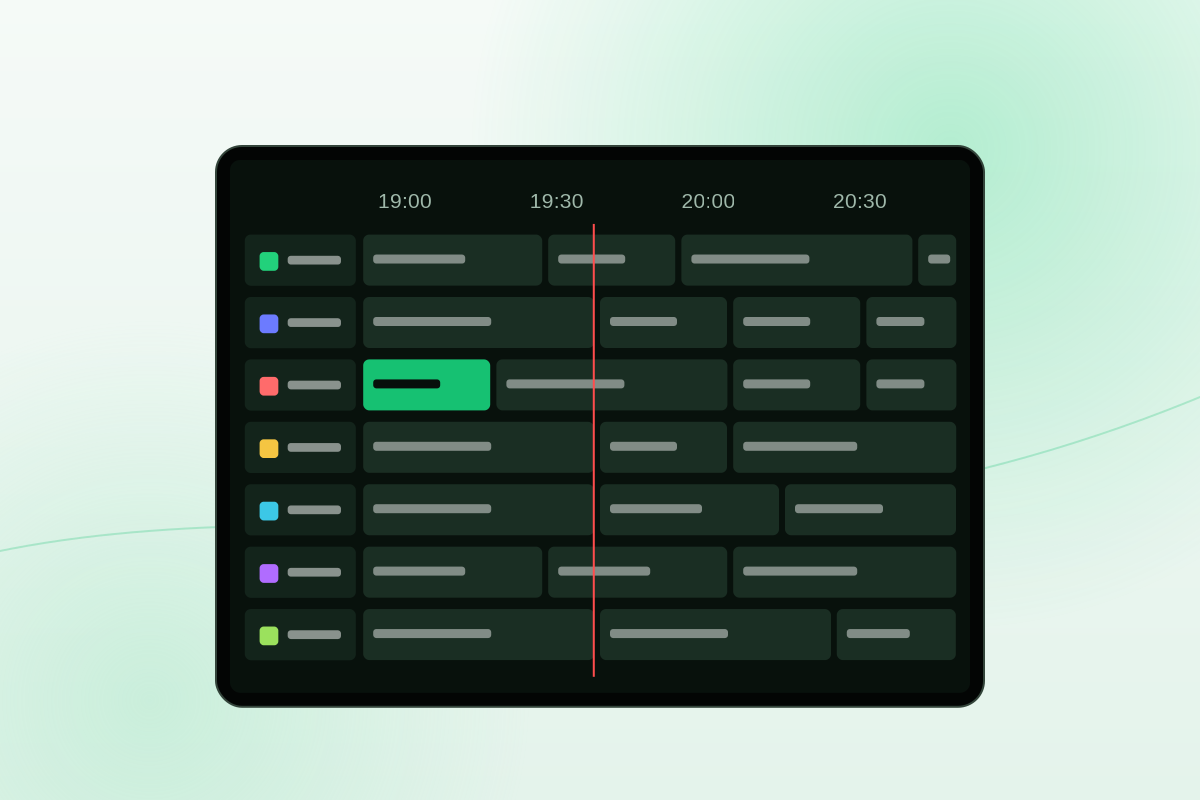
The electronic program guide, or EPG, is the grid that shows what is on now and next on each channel. A good guide turns a long channel list into something that feels like normal TV. Here is how it works with IPTV, and what to do when it does not.
How the guide works
Program information is published separately from the video streams, usually as an XMLTV file. Your player downloads that file and matches each channel in your list with its listings using an ID. If the IDs match, the guide fills in; if not, the channel shows "no information".
Loading the EPG
- Xtream Codes login: most players fetch the guide automatically from the same server. Nothing extra to do.
- M3U playlist: you may need to add a separate EPG URL in the player's settings. Aero IPTV customers can ask us for it.
After adding it, use the player's Update EPG or Refresh guide option and give it a minute; guide files can be large.
Common EPG problems and fixes
Times are an hour or more out
Check the time zone on the device itself, then look for an EPG time offset or time shift setting in the player. In the USA, make sure the correct zone (Eastern, Central, Mountain, Pacific) is selected. In the UK, this often appears when the clocks change between GMT and BST.
Guide is empty
Refresh the EPG, make sure the EPG URL is entered (for M3U), and check the player is set to update the guide automatically. Clearing the app cache can help if an old guide is stuck.
Only some channels have listings
Not every channel publishes guide data, especially smaller international and event channels. That is normal. Main channels should have listings; if one does not, tell us which.
Guide is slow to load
Large guides take time on low-powered devices. Hiding categories you never watch reduces the work, and some players let you limit how many days of guide data to download.
Getting more from the guide
- Use the guide view with your favorites list to see only your channels.
- Many players let you set reminders for upcoming programs.
- Some players support catch-up on channels that offer it, shown with a special icon in the guide.
Choosing a player with a good guide makes a big difference; see how to choose an IPTV player. Still missing listings? Send us a screenshot on WhatsApp.